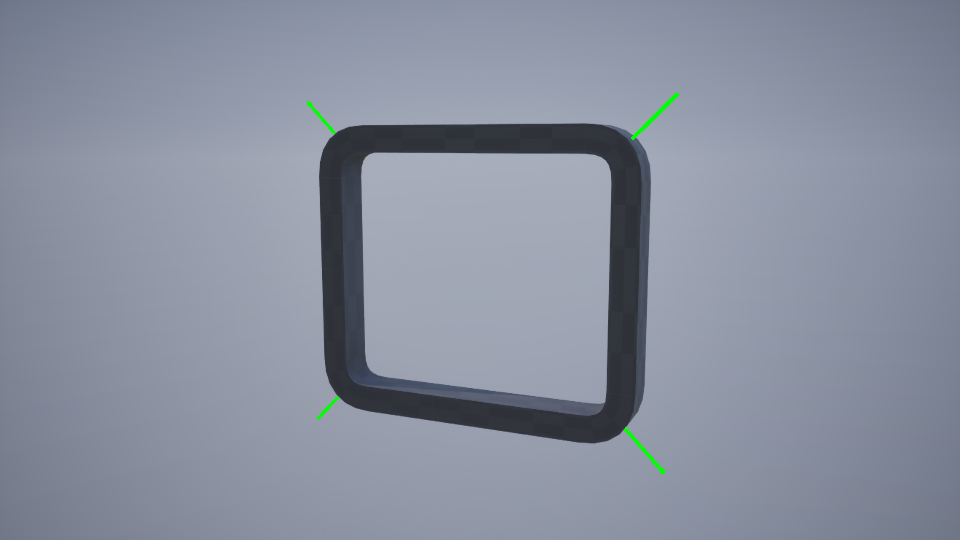
Actor

The Pipe Builder actor uses a spline component to generate procedural pipe networks with full control over geometry, corners, junctions, and supports. Built in C++ for responsive editor performance.
Pipe Variables
| Variable | Default | Description |
|---|---|---|
| Run On Construction | true | Per-class override that allows custom execution order. When disabled, pipe construction is skipped during the Construction Script phase. |
| Refresh | false | Triggers the construction script and resets itself to false. Use this to safely update the actor (e.g., modifying connections) without needing to change another variable. |
| Data Asset | Pipes Default | The primary data asset containing static meshes, material presets, and all other static configuration data. |
| Stream | Auto-generated | Random seed that controls all procedural variation within the actor, including preset selection, support placement, junctions, etc. |
| Closed Loop | false | Spline Component property. When enabled, connects the last spline point to the first, forming a continuous loop. Requires at least 3 points. |
General Variables
These variables affect nearly all generated meshes.
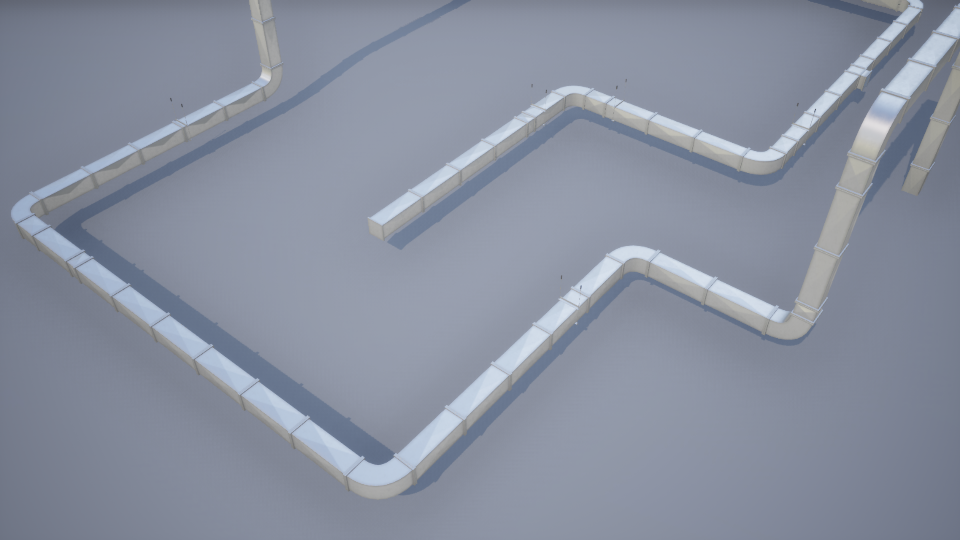
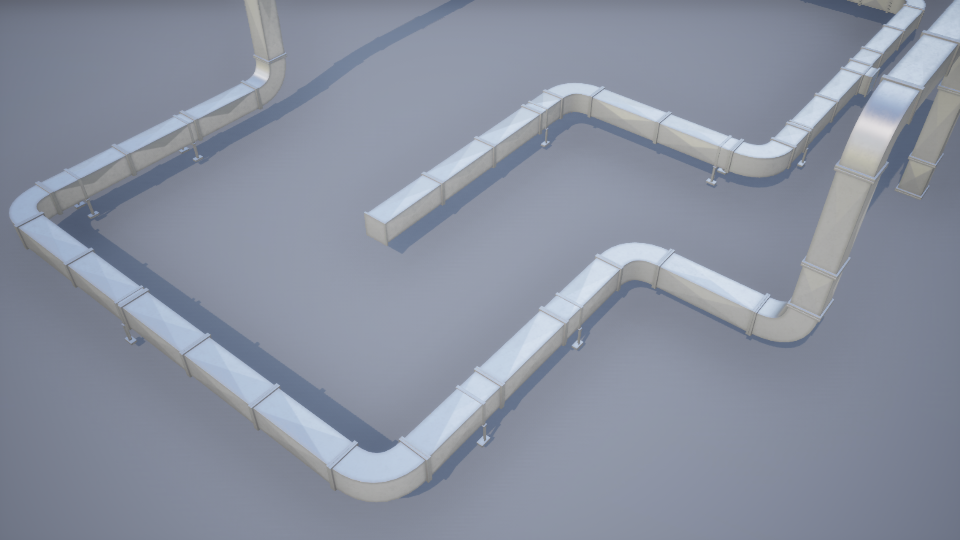
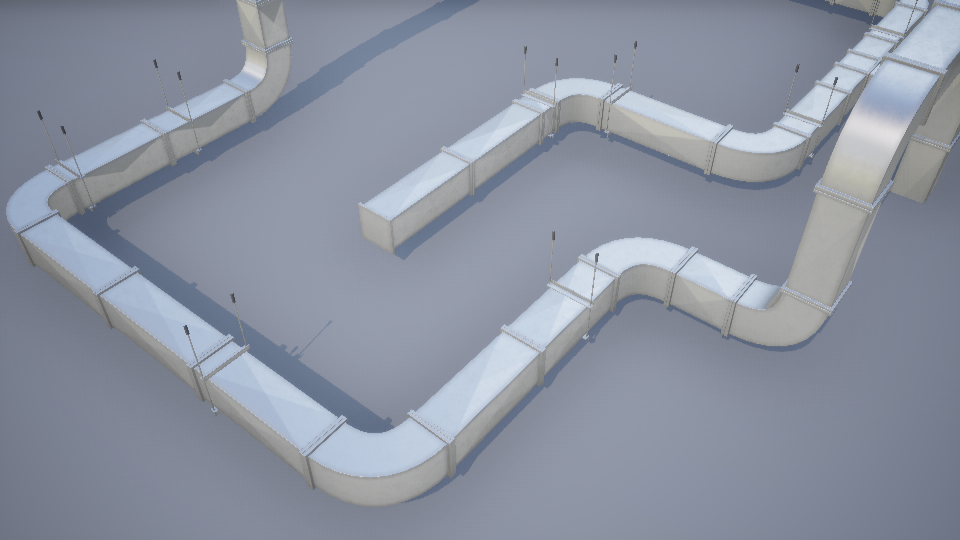
Thickness
Controls the overall scale/thickness of pipe meshes.
Global Roll Angle
Applies uniform roll rotation to all eligible meshes.
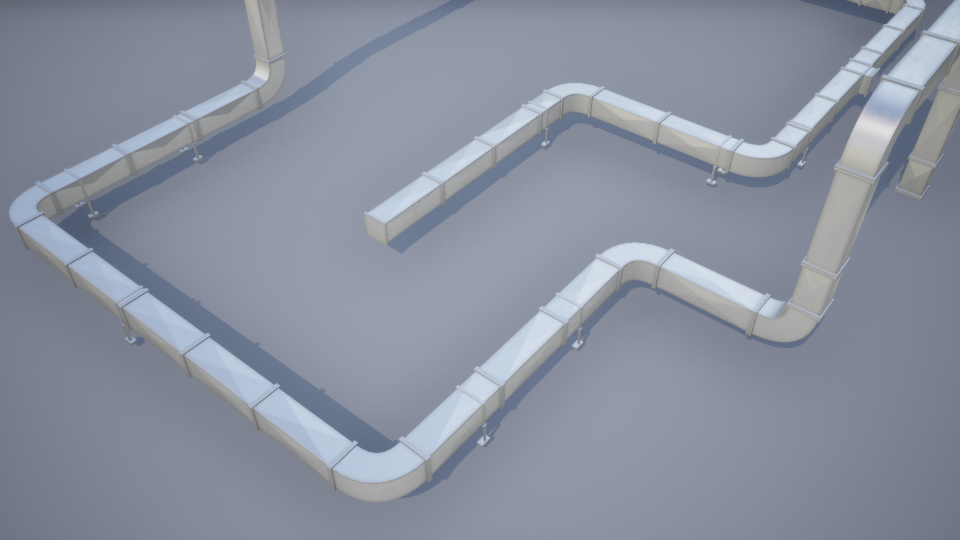
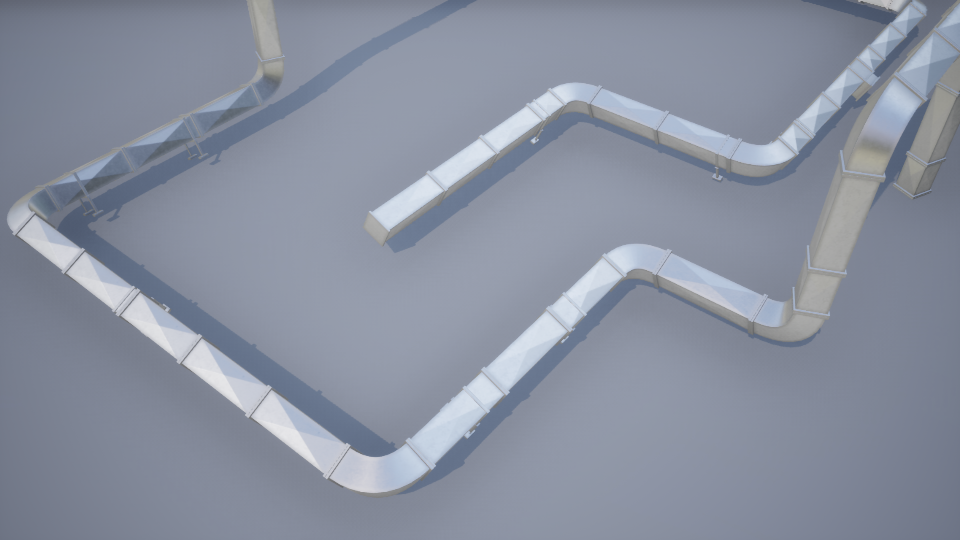
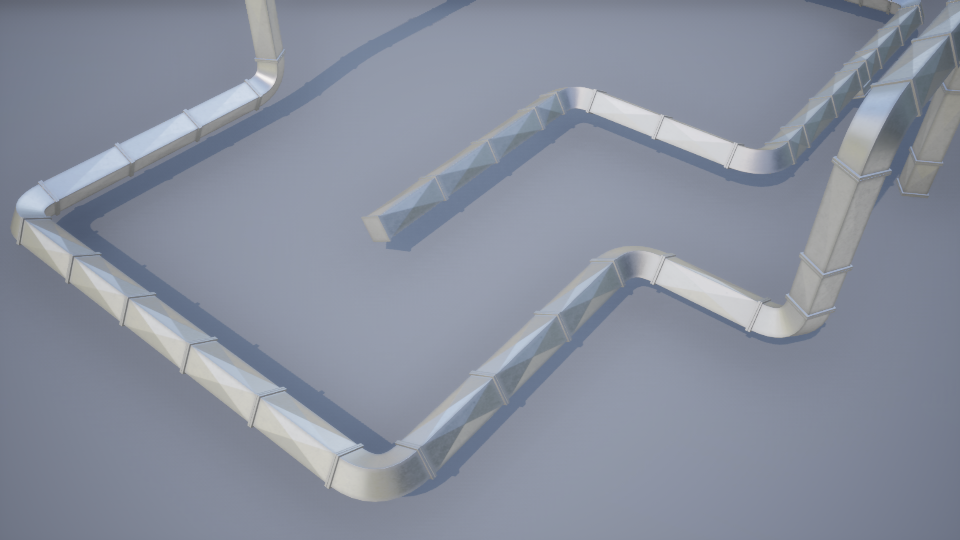
fitted corner meshes. These pre-modeled corners have fixed orientation requirements that prevent roll rotation while maintaining proper alignment.| Variable | Default | Description |
|---|---|---|
| Pipe Preset Selection Type | None | Selection method of material presets. • None: No material preset applied. • Random: Randomly selects a preset and stores the selection as a manual index. • Manual: Enables direct selection via Pipe Preset Index |
| Pipe Preset Index | -1 | Direct material preset index. Cycles through available presets; -1 disables selection. |
Loop Mesh Selection
Controls how segment meshes are chosen along straight pipe segments: Default is Longest Random type.
- Random: Selects a random mesh based on weighted probabilities.
- Longest: Identifies the longest available static mesh that fits within the current segment length.
- Longest Random: PSame as Longest, but shuffles the order of selected meshes to create more varied results. This resolves the “shortest mesh last” issue common with the standard Longest method. Slightly slower, but produces superior visual variety.
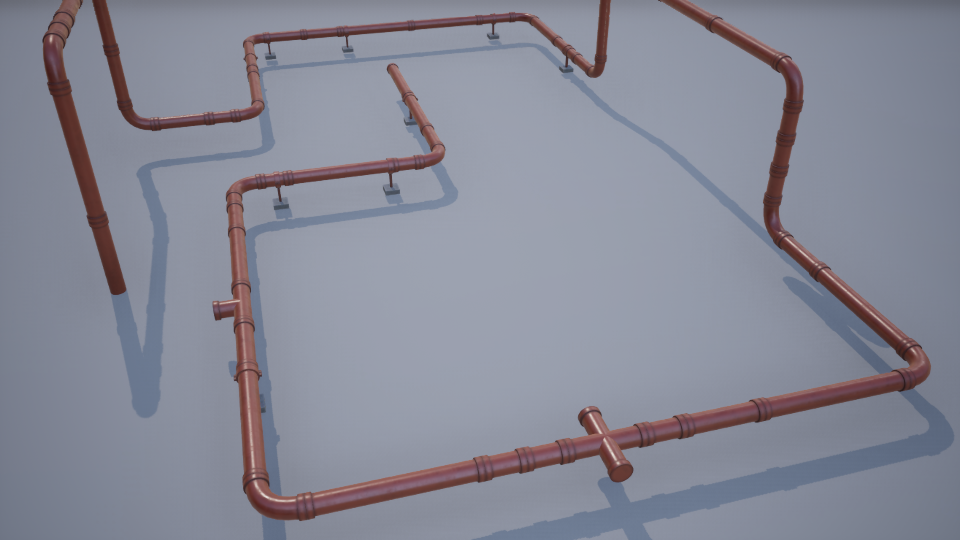
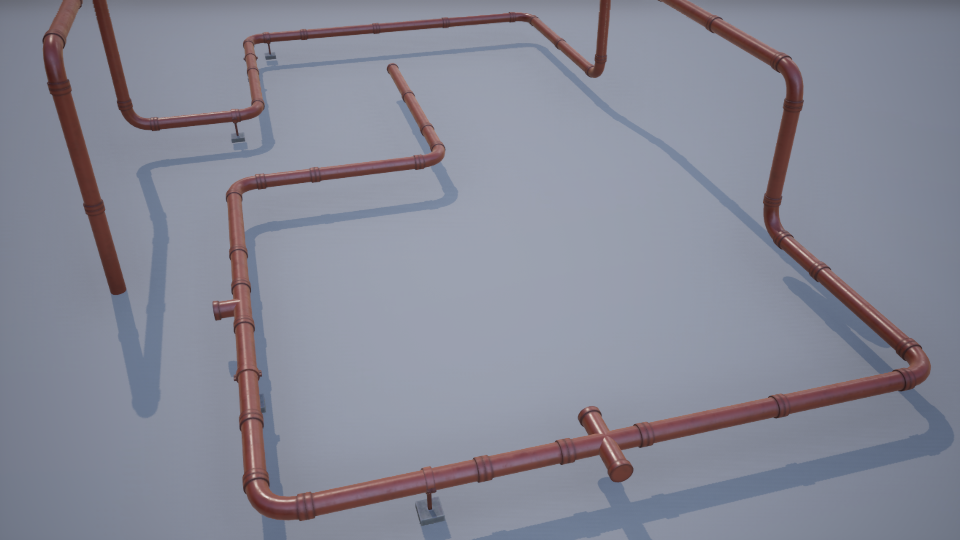
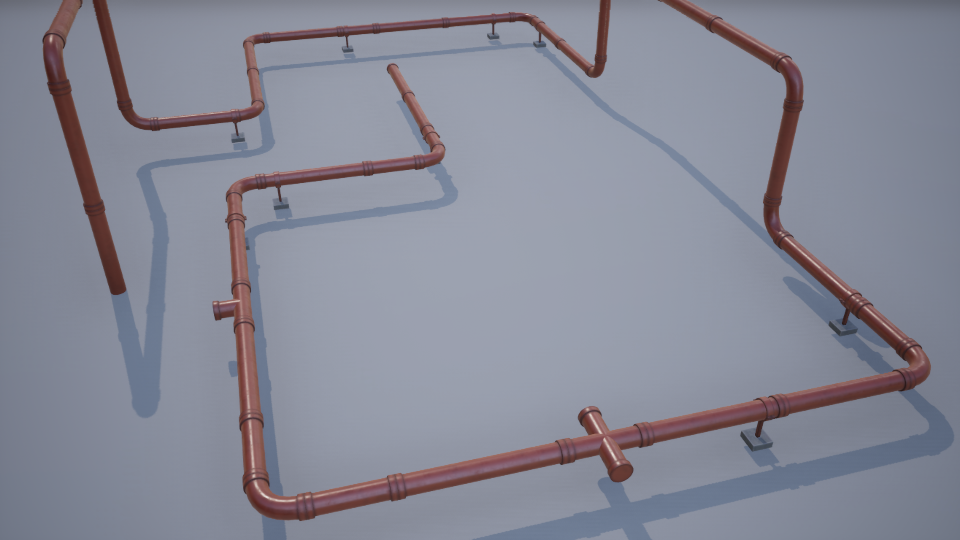
Loop Roll Rotation
Applies randomized rotation to loop segment meshes.
Rotation Methods:
- None: No rotation applied.
- Free: Random rotation between Angle Min Max values.
- Cardinal: Snaps rotation to one of four cardinal directions: 0°, 90°, 180°, or 270°.
- Flip: Randomly rotates by 180°;
| Variable | Default | Description |
|---|---|---|
| Angle Min Max | (0, 360) | Rotation range for Free mode. X = minimum angle, Y = maximum angle (degrees). |
Corners
The plugin offers two fundamentally different approaches to corner creation, each with distinct advantages and trade-offs.
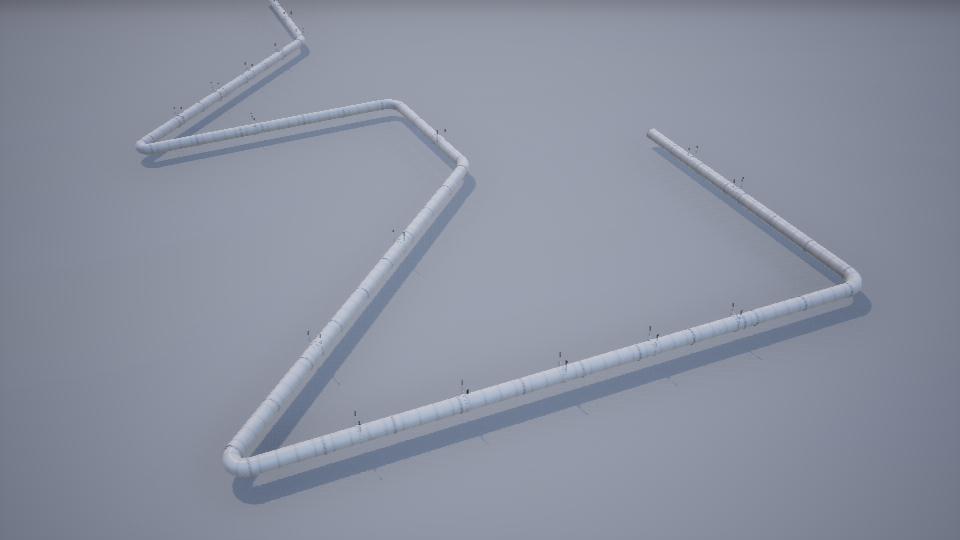
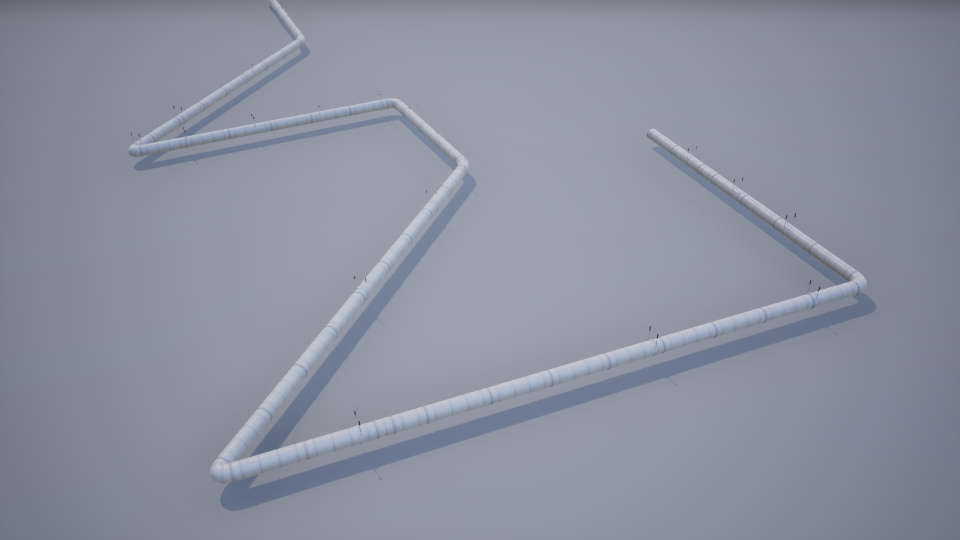
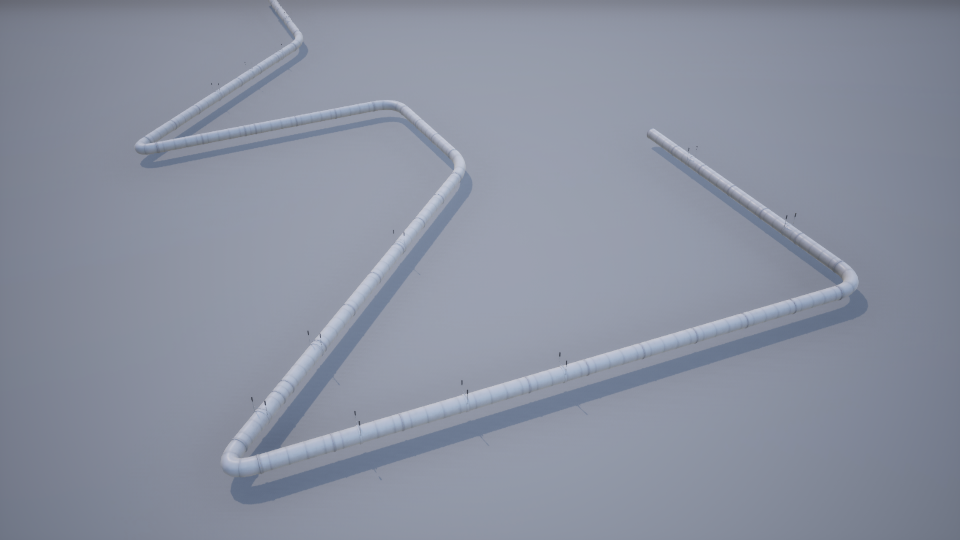
Bent Corners
Deforms the spline mesh at each point, with additional control over the bend intensity.
Advantages:
- Functions reliably for angles under 90°.
- Produces smooth, continuous curvature.
- No custom static mesh assets required.
Limitations:
- UV distortion becomes noticeable beyond 90°.
- Meshes can self-intersect beyond 90°, requiring manual adjustment.
- Spline mesh updates can be slow due to Chaos Physics calculations and high vertex counts.
Fitted Corners
Places pre-modeled static meshes at spline points, selected based on corner angle and segmentation settings.
Advantages:
- Supports instancing and batching.
- Fast to compute—no physics or deformation overhead.
- Handles extreme angles cleanly without distortion.
Limitations:
- Cannot be rotated using the global roll angle.
- Requires pivot point setup in an external DCC tool.
- More time-consuming to author and maintain.
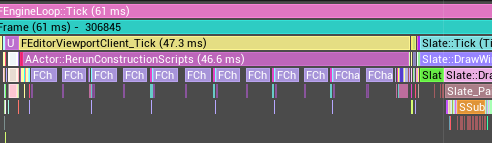
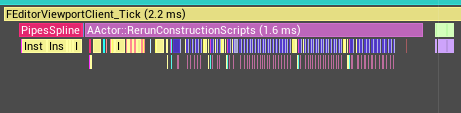
If you experience freezing while dragging spline points in Bent corner mode, the issue is typically slow Chaos Physics updates combined with high vertex count on the deformed mesh.
The plugin mitigates this by deferring spline mesh updates until all required variables are set, but the underlying bottleneck remains.
As shown in the Unreal Insights capture below:

Recommended Solution:
For any deformable corner mesh, manually set Collision Complexity to Use Simple Collision as Complex in the Static Mesh Editor.
This can dramatically improves editor responsiveness.
You can revert this setting before packaging if needed.
Corner Variables
| Variable | Default | Description |
|---|---|---|
| Bend Scale | 1.0 | Global bend multiplier applied to all corner meshes (including manual overrides). Clamped to minimum 0.1. |
| Corner Mesh Selection | RandomOnce | Determines which static mesh asset will be selected. • RandomOnce: A single mesh is chosen at random and used for all corners. Note: In fitted mode simply selects first in array.• Random: A mesh is randomly selected per instance. • Manual: Uses mesh specified by Mesh Index. |
| Manual Corner Data | Empty | Per-corner overrides for Manual mode. Each entry contains: Point Index: Target spline point. Bend Scale: Multiplier (clamped to 0.1). Bent mode only Mesh Index: Cyclical mesh index override. Note: Mesh index overrides only apply when Corner Mesh Selection is set to Manual. |
Junctions
Junctions add branches, caps, or other meshes at spline points, enable connections between pipe actors, and help create a pipe network.
Generation rules:
- Open splines: Junctions appear at start and end points
- Closed splines: Junctions appear only at the first point
- Straight segments: Junctions generate at spline points along a perfectly straight line (no corner mesh)
Random. Once you’re done editing the spline, switch to Manual mode and customize each junction in the manual array.Junction Variables
| Variable | Default | Description |
|---|---|---|
| Junction Selection Method | Random | Defines junction selection method. • None: No junctions placed • Random: Randomly selects and populates the manual array. • Manual: Direct specification via Junctions list. |
| Inline Points Only | true | Random mode only: When enabled, junctions are only added at inline spline points, excluding start and end spline points. |
| Junction Roll Rotation | - | Rotation settings for junction meshes (same options as Loop Roll Rotation). |
| Junction Probability | 100.0 | Percentage chance (0–100%) of junction generation at valid positions. |
| Junctions | Empty | Complete list of junction placements. Auto-populated in Random mode. • Point Index: Target spline point • Mesh Index: Index in junction meshes list • Roll Angle: Manual roll override |

Advanced
| Variable | Default | Description |
|---|---|---|
| Debug Text Type | None | Editor-only Adds debug visualization of spline point numbers. Text components aren’t packaged, they only exist in-editor. Height and text size is configured in data asset. None: Disable Show: Display text Flip Height: Flip direction offset of height, default is Upward direction or Z axis. |
| Visualize Corners | false | Editor-only Draws debug arrows at each corner to visualize angle and orientation for spline mesh correction. |